




Installing
dfx runs on dotnet, a cross-platform, open-source platform supported on Linux, macOS, and Windows.
There are various ways in which you can run dfx, the main ones being: interactive notebooks supporting Visual Studio Code and Jupyter; running in a REPL; running script files; and compiling, packing, and publishing performant binaries.
Interactive Notebooks and Scripts
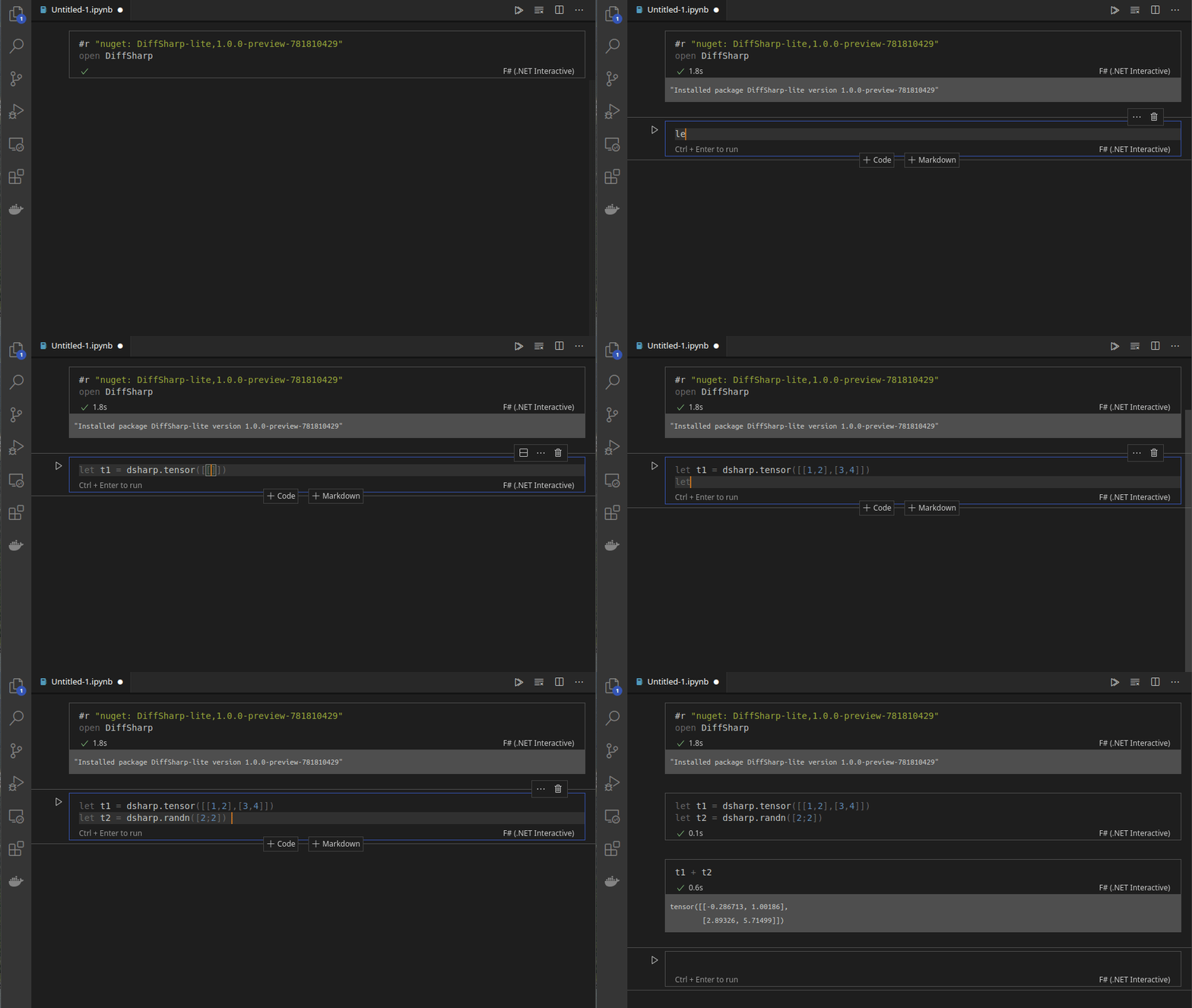
You can use dfx in dotnet interactive notebooks in Visual Studio Code or Jupyter, or in F# scripts (.fsx files), by referencing the package as follows:
// Use one of the following three lines
#r "nuget: dfx-cpu" // Use the latest version
#r "nuget: dfx-cpu, *-*" // Use the latest pre-release version
#r "nuget: dfx-cpu, 1.0.10" // Use a specific version
open Dfx
Dotnet Applications
You can add dfx to your dotnet application using the dotnet command-line interface (CLI).
For example, the following creates a new F# console application and adds the latest pre-release version of the dfx-cpu package as a dependency.
dotnet new console -lang "F#" -o src/app
cd src/app
dotnet add package --prerelease dfx-cpu
dotnet run
Packages
We provide several package bundles for a variety of use cases.
- dfx-cpu Includes LibTorch CPU binaries for Linux, macOS, and Windows.
- dfx-cuda-linux / dfx-cuda-windows Include LibTorch CPU and CUDA GPU binaries for Linux and Windows. Large download.
- dfx-lite Includes the Torch backend but not the LibTorch binaries.
Using local LibTorch binaries (optional)
You can combine the dfx-lite package bundle with existing local native binaries of LibTorch for your OS (Linux, Mac, or Windows) installed through other means.
LibTorch is the main tensor computation core implemented in C++/CUDA and it is used by PyTorch in Python and by other projects in various programming languages. The following are two common ways of having LibTorch in your system.
- If you use Python and have PyTorch installed, this comes with LibTorch as a part of the PyTorch distribution. If your GPU works in this PyTorch installation without any issues, it will also work in dfx.
- You can download the native LibTorch package without Python by following the get started instructions in the PyTorch website, and extracting the downloaded archive to a folder in your system.
Before using the Torch backend in dfx, you will have to add an explicit load of the LibTorch native library, which you can do as follows. In order to find the location of LibTorch binaries, searching for libtorch.so in your system might be helpful. Note that this file is called libtorch.so in Linux, libtorch.dylib in macOS, and torch.dll in Windows.
open System.Runtime.InteropServices
NativeLibrary.Load("/home/user/anaconda3/lib/python3.8/site-packages/torch/lib/libtorch.so")
Backends and Devices
dfx currently provides two computation backends.
The
Torchbackend is the default and recommended backend based on LibTorch, using the same C++ and CUDA implementations for tensor computations that power PyTorch. On top of these raw tensors (LibTorch's ATen, excluding autograd), dfx implements its own computation graph and differentiation capabilities. This backend requires platform-specific binaries of LibTorch, which we provide and test on Linux, macOS, and Windows.The
Referencebackend is implemented purely in F# and can run on any hardware platform where dotnet can run (for example iOS, Android, Raspberry Pi). This backend has reasonable performance for use cases dominated by scalar and small tensor operations, and is not recommended for use cases involving large tensor operations (such as machine learning). This backend is always available.
Configuration of Default Backend, Device, and Tensor Type
Selection of the default backend, device, and tensor type is done using dfx.config.
Dtype choices available:
BFloat16,Bool,Byte,Float16,Float32,Float64,Int16,Int32,Int64,Int8Device choices available:
CPU,GPUBackend choices available:
Reference,Torch
For example, the following selects the Torch backend with single precision tensors as the default tensor type and GPU (CUDA) execution.
open Dfx

dfx.config(dtype=Dtype.Float32, device=Device.GPU, backend=Backend.Torch)
The following selects the Reference backend.
dfx.config(backend=Backend.Reference)
A tensor's backend and device can be inspected as follows.
let t = dfx.tensor [ 0 .. 10 ]

let device = t.device
let backend = t.backend
Tensors can be moved between devices (for example from CPU to GPU) using Tensor.move. For example:
let t2 = t.move(Device.GPU)
Developing dfx Libraries
To develop libraries built on dfx, you can use the following guideline to reference the various packages.
- Reference the
dfx-Dfx.Coreanddfx-Dfx.Datapackages in your library code. - Reference the
dfx-Dfx.Backends.Referencepackage in your correctness testing code. - Reference the
dfx-Dfx.Backends.Torchandlibtorch-cpupackages in your CPU testing code. - Reference the
dfx-Dfx.Backends.Torchandlibtorch-cuda-linuxorlibtorch-cuda-windowspackages in your (optional) GPU testing code.
<summary> Tensor operations </summary>
static member Dfx.dfx.config: configuration: (Dfx.Device * Dfx.Dtype * Dfx.Backend * Dfx.Printer) -> unit
static member Dfx.dfx.config: ?device: Dfx.Device * ?dtype: Dfx.Dtype * ?backend: Dfx.Backend * ?printer: Dfx.Printer -> unit
module Backend from Dfx
<summary> Contains functions and settings related to backend specifications. </summary>
--------------------
type Backend = | Reference | Torch | Other of name: string * code: int override ToString: unit -> string member Name: string
<summary> Represents a backend for dfx tensors </summary>
<summary> The reference backend </summary>
static member dfx.config: configuration: (Device * Dtype * Backend * Printer) -> unit
static member dfx.config: ?device: Device * ?dtype: Dtype * ?backend: Backend * ?printer: Printer -> unit
module Dtype from Dfx
<summary> Contains functions and settings related to tensor element types </summary>
--------------------
type Dtype = | BFloat16 | Float16 | Float32 | Float64 | Int8 | Byte | Int16 | Int32 | Int64 | Bool override ToString: unit -> string member SummationType: Dtype
<summary> Represents a storage type for elements of a tensor </summary>
<summary> Store elements as 32-bit floating point numbers </summary>
union case Device.Device: DeviceType * int -> Device
--------------------
module Device from Dfx
<summary> Contains functions and settings related to device specifications. </summary>
--------------------
type Device = | Device of DeviceType * int override ToString: unit -> string member DeviceIndex: int member DeviceType: DeviceType static member CPU: Device static member GPU: Device
<summary> Represents a device specification. </summary>
<summary> The LibTorch backend </summary>
<summary> The reference backend </summary>
© Copyright 2021, DiffSharp and dfx Contributors.